Copy the link
Open a public Reel or video post in Instagram, tap Share, and copy its link.
Paste a public Reel or video post link to save the available MP4 on your phone or computer. No app or Instagram login needed.
Copy a public link, paste it into the field, and save the video to your device.
Open a public Reel or video post in Instagram, tap Share, and copy its link.
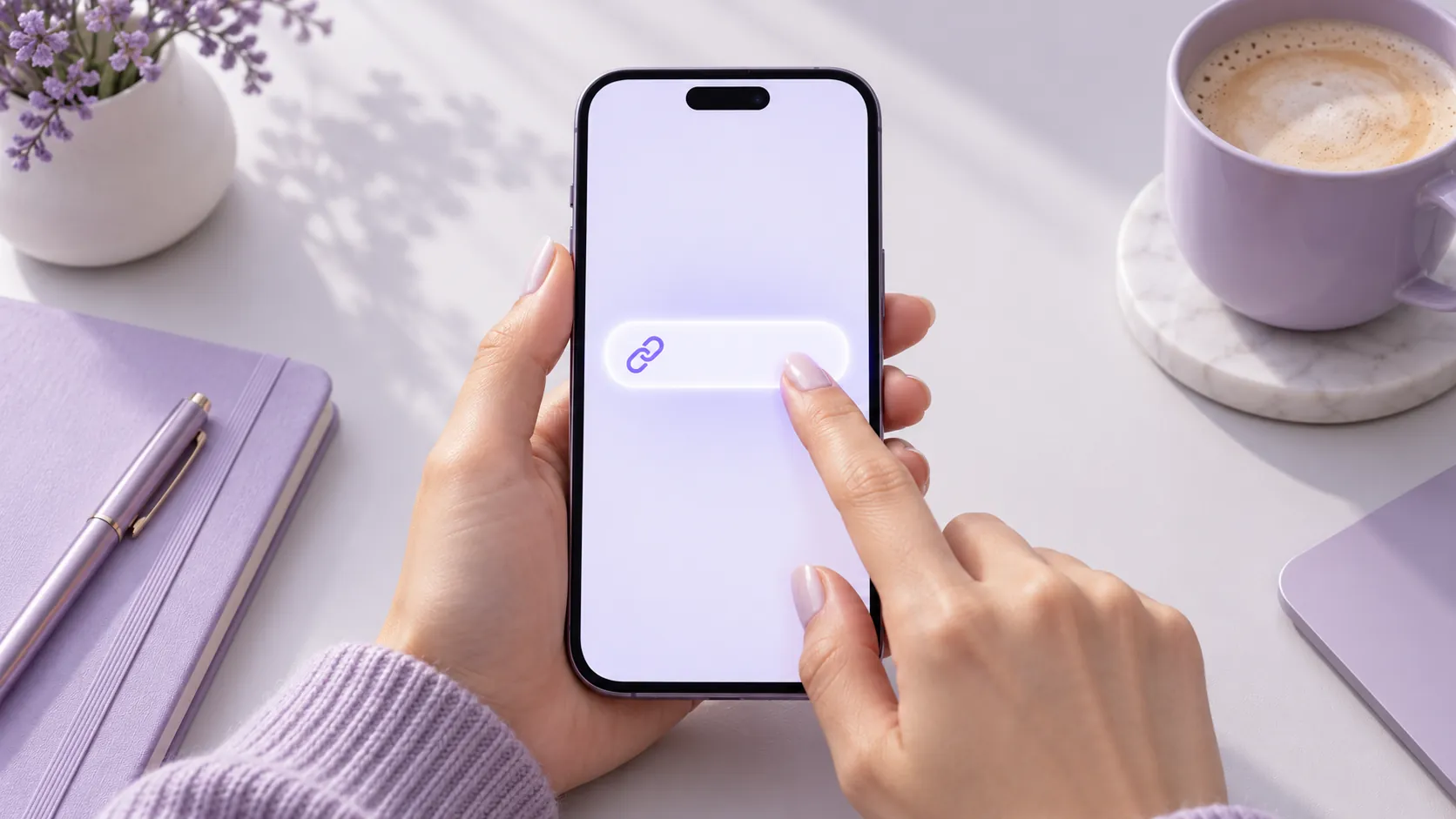
Paste the link into the field above, then select “Download video.”
If the video is available, your browser will save it to your phone or computer.
Reelkeep works with public Reels and video posts. Video quality depends on the file Instagram makes available for the link; we aim to preserve the best accessible quality.
“No added watermark” means Reelkeep does not add a mark. A watermark already embedded in the original video will remain.
Paste a video linkQuick answers about saving, quality, audio, and sharing.
Copy a public Reel link and download it above. On Android, check Downloads or your gallery. On iPhone, if the video goes to Files, open it, tap Share, and choose Save Video to add it to Photos.
No. Open this page on your phone or computer and paste a public Reel link. Never enter your Instagram password into a third-party download tool.
No. Reelkeep only handles publicly accessible links. To save your own private Reel, use Instagram's built-in save or data export options.
Some Reels use licensed music from Instagram's library, and that track may not be included in a downloaded file. Check whether the original post has audio. For your own videos, the file saved before upload is the best source.
We aim to provide the best quality available from the public link, but cannot restore an original file that Instagram has compressed or does not provide. For your own videos, use the file you had before uploading.
In Instagram, tap Share and copy the link. Open this page in Safari on iPhone or Chrome on Android, paste the link, and download. On iPhone, check Files and save the video to Photos if needed. On Android, check Downloads.
This page handles one link at a time. To back up many of your own posts, use the data export feature in Meta Accounts Center.
Downloading a video does not grant permission to repost it. Get the creator's consent before publishing their work; the music may require separate permission too.
Reelkeep does not add a watermark. It cannot remove one already embedded in the original video.